Appearance
Import and Export Configurations and Layouts
Reuse configuration data and device layout files through supported drivers. Converting an import, saving a draft and applying a configuration are separate steps.
Import a device layout
Use the AI route for this task. A complete general-purpose import flow has not been verified in the native desktop for this source version.
Preview this device layout with a configuration profile that supports its format. Explain which objects were recognized, which definitions are missing and which parts cannot execute. Do not save or apply it yet.
The agent passes the file to the driver for conversion. Review the import report before asking it to save a configuration draft. Displaying an imported object does not establish that the object is supported for verified execution.
Export a saved configuration
Export the specified validated revision of this configuration as JSON. Identify the draft and revision, and do not apply it to the workstation.
MCP returns configuration data. Ask your AI client to save it to a specific local file and confirm the location. Returned content is not proof that a file has been written.
Export a device-specific layout
With your AI agent
Check whether this configuration supports device-specific layout export. If it does, export this revision and explain the generated contents, integrity checks and files I should retain.
The agent uses the driver's export capability. The client must save and inspect a returned archive; exporting does not execute device software.
In the interface
- Open a configuration whose profile supports device-specific export. Save it and complete Check layout.
- Choose the driver-provided export button, such as Export VENUS layout.
- Note the exported path. The current desktop writes a temporary file; copy it to a location you intend to keep.
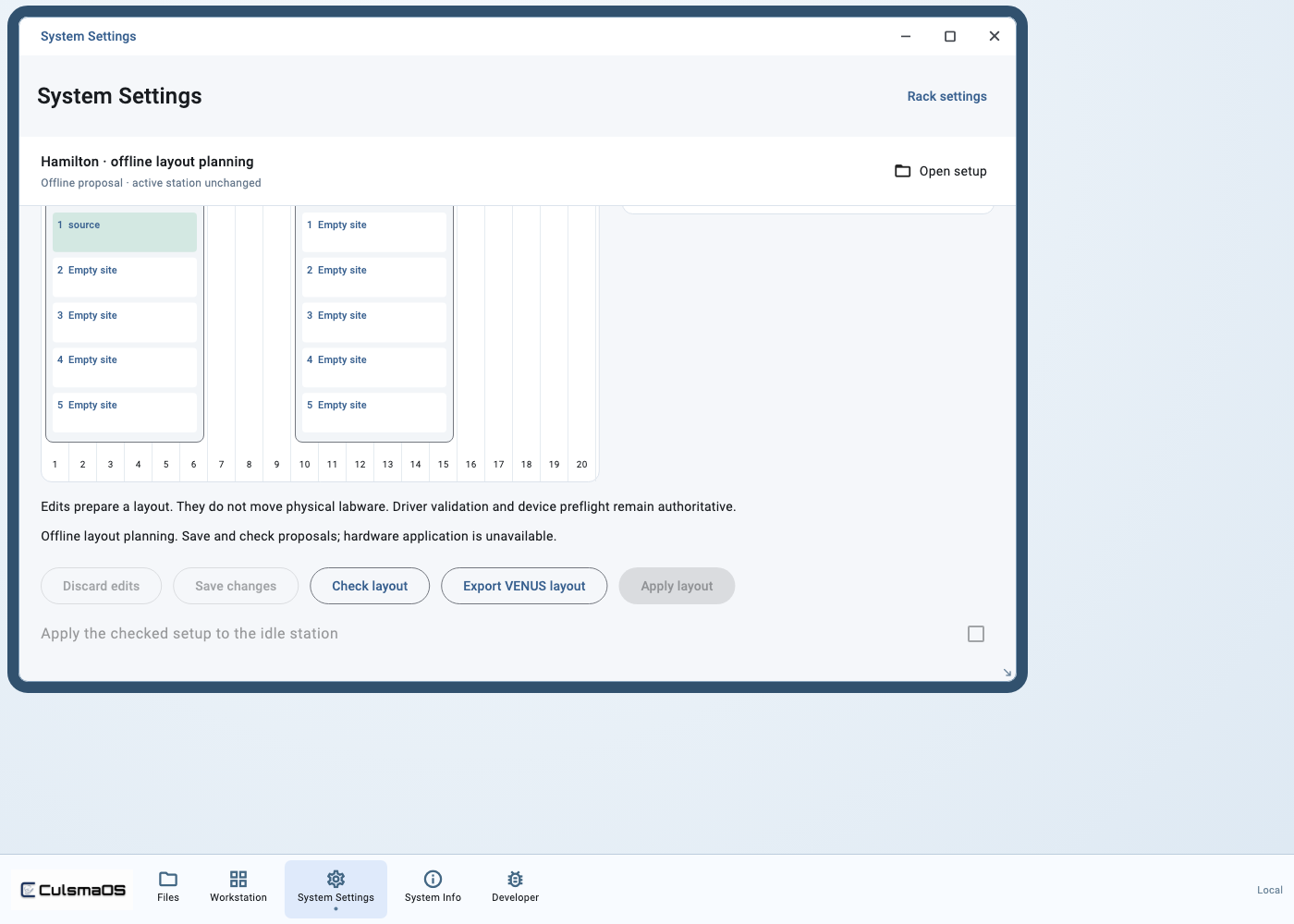
If the button is unavailable, check profile support and validation results.
Check the exported result
Confirm the configuration revision, file format and actual saved file. Hamilton layout export depends on the corresponding plugin and installed equipment definitions. An offline export does not activate hardware or establish an accepted physical execution chain.